New: the AI signature designer is live — design once, deploy to your whole team →
EMAIL SIGNATURE GENERATOR FOR GMAIL & GOOGLE WORKSPACE

The professional email signature that makes your small business look big.

Pick a designer template, add your details, and ProSignature installs it into Gmail in one click. Built for the self-employed and small teams — free, no watermark, no design skills needed.

Designer templates that make you look established from the first email
One click writes it straight into Gmail — no broken copy-paste
Free, with no watermark. Your name on it, not ours
See real examples

Free plan forever · No credit card · 2-minute setup · Works with Gmail, Outlook & Apple Mail

New message— ✕
To:  a new client
Subject:  Great meeting you today
Hi Jordan,
Great speaking with you — I attached the recap we discussed.
SendReal-estate broker

Sample signatures made with ProSignature templates, rotating every few seconds. Yours takes about two minutes.

From blank page to installed in Gmail — in about two minutes.

No design skills, no HTML, no pasting into settings and hoping it survives.

1

Tell us who you are

Type your name and website. We fetch your logo, brand colors and social profiles automatically — the boring part is done for you.

2

Pick a template you love

Preview 13 designer templates already wearing your brand. Tweak colors, fonts, photo and social icons with a live preview.

3

Install with one click

Add our free Chrome extension and your signature just appears in every Gmail compose — no Google permission needed. Prefer it set permanently, phone included? Connect Gmail once. Outlook and Apple Mail get a clean copy-paste.

Start free. Be done before your coffee is.

Your design is saved to your account, so you can finish it any time.

Free plan forever — upgrade only if you want Pro templates
One-click install to Gmail when you're ready
No watermark, no credit card, no spam
Free plan forever — no watermark, no card, no catch

Create your free account

We’ll use your work email to fetch your company’s brand kit.

OR WITH EMAIL

Free to design · No card needed · Free — sign up and your work is saved to your account

Built to be the best email signature for Gmail.

Everything a self-employed professional or small business needs to look bigger in the inbox — nothing you have to be an IT department to use.

True one-click Gmail install

ProSignature writes your signature into Gmail's own settings through Google's API. No copy-paste, no broken formatting — it just appears under every email.

Free, without a watermark

Your free signature carries your name — not a "created with" badge. Some tools brand their free tier; we don't.

🎨

Your brand, fetched automatically

Paste your website and we pull your logo, brand colors and social links into a ready-made brand kit.

🧩

13 designer templates

From minimal to bold — every template is inline-styled HTML that survives Gmail, Outlook and mobile inboxes intact.

📣

A marketing layer built in

Add a book-a-meeting button, a promo banner or a legal disclaimer. Every email you already send becomes a quiet sales channel.

👥

Ready for your first hire

Design one master signature and deploy it to every teammate in minutes when your business grows.

Real signatures from our gallery.

A few of the styles professionals build with ProSignature — browse 25+ examples →
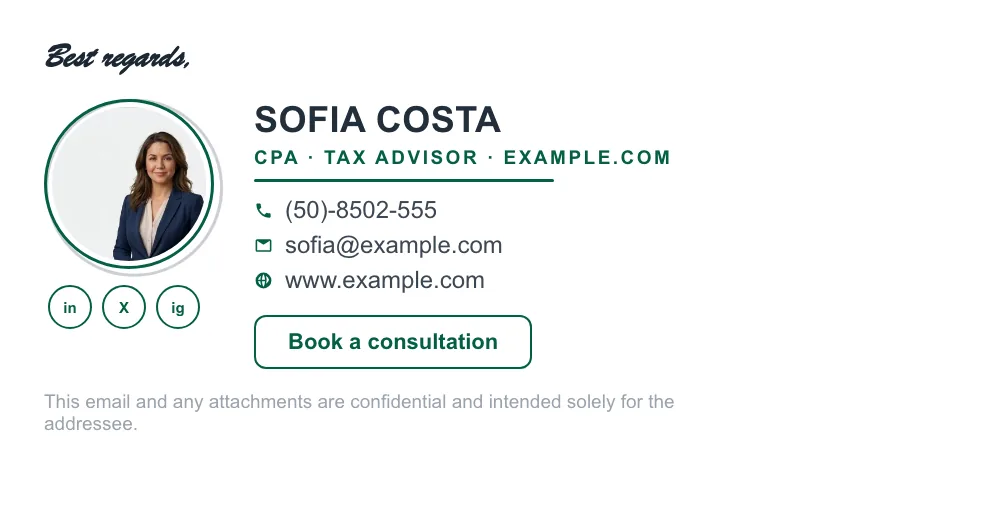
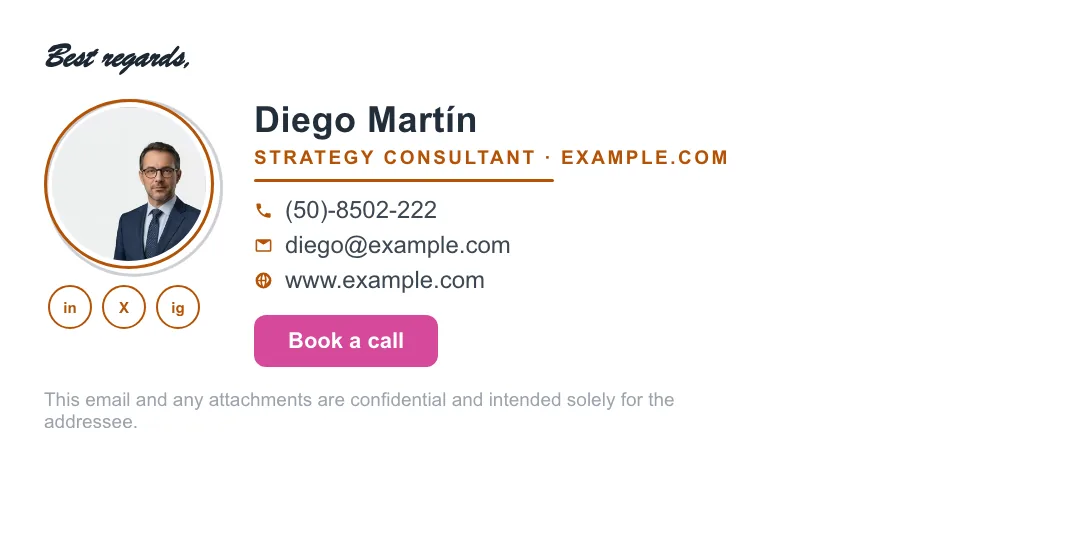
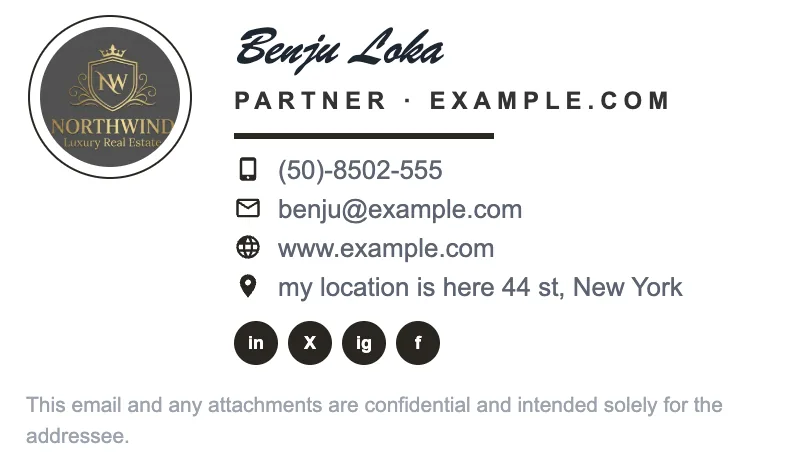
Accountant email signature example with logo and contact details Consultant email signature example with book-a-call button Real estate email signature example with company logo and social icons Minimal black and white email signature example

Made for people who are the business.

When there's no design department, your signature is your storefront.

💼

Self-employed professionals

Consultants, coaches, realtors, therapists — when you are the brand, every email is a pitch. Look established from day one.

Signatures for the self-employed →
🏪

Small business owners

Get the polish of a big company — logo, brand colors and a booking link in every message you and your people send.

Best for small business →
👥

Growing teams

Hired your first employees? Roll out one consistent signature to everyone in minutes, not meetings.

Signatures for teams →

Professionals who stopped sending plain emails.

"I went from a plain name-and-number sign-off to something that looks like I have a design department. Clients noticed within a week."

RRachel G.Independent consultant

"The one-click Gmail install sold me. I had tried pasting signatures before and they always arrived broken."

TTom D.Mortgage broker

"Set up my own signature, then rolled it out to my three employees in one afternoon. We finally look like one company."

DDana M.Cleaning company owner

Questions, answered.

Is ProSignature free?

Yes. You can design and install a signature on the free plan with no credit card — and it carries no watermark. Pro and Team plans add premium templates, a call-to-action button, promo banners and central team deployment.

How does the one-click Gmail install work?

Instead of copy-paste, ProSignature writes the signature directly into Gmail's settings through Google's official API. Gmail only reliably preserves inline-styled HTML, which is why pasted signatures often break — ours doesn't.

Will there be a ProSignature badge on my signature?

No. Free signatures carry only your own name, logo and links — there is no "created with" line to remove. Some competitors brand their free tiers; ours does not.

Does it work with Outlook and Apple Mail?

Yes. Gmail gets the one-click install; Outlook and Apple Mail get a clean one-click copy that pastes perfectly into their signature settings.

Can I deploy signatures to my whole team?

Yes. Design one master signature, lock the branding, and roll it out to every employee — managed from a central back office.

Your next email could make a better first impression.

Free, no watermark, installed into Gmail in one click — the professional signature your business deserves.

Free to design, free to install — your signature is about two minutes away.
STEP 1 · BRAND KIT

Your brand kit

Use a personal photo instead of the logo
LinkedIn
X (Twitter)
Instagram

Your brand in action

This styling flows into every template — and every employee.

STEP 3 · DESIGN

Make it yours

Fill in your details — the preview updates live.

Details
Images
Social
Templates
Apps

Who you are and how to reach you

Images

Your logo and profile photo flow into every template

Show profile photo in signature PRO

Social links

Grow your reach — toggle networks on or off

Templates

Pro templates are free to preview — you pay only when you install

Apps

Add a personal touch and increase engagement

Styled sign-off PRO
Call-to-action button PRO
Promo banner PRO
Legal disclaimer PRO
Preview
 New message
To alex@globex.com
Subject Following up on our call
Hi Alex,

Great speaking with you today — here’s the summary we discussed.

Best,

SendAa  ⊕  ⋯

Keep the design you built

Your design uses Pro features. Install it as-is, or switch to the free basic version.

Your design PRO

Free version FREE

Annual · save 25%Monthly

All Pro templates & brand colors
Logo, photo, button & banner
14-day money-back guarantee

Checkout

Demo checkout — no card is charged. The test number is filled in for you; please don’t enter a real card.

Nothing is charged — payments are a preview while we finish billing. Your design and settings are saved either way.

← Back

STEP 4 · INSTALL

Install your signature

Install your signature with

📨Live in your inboxEvery send, on brand
🎨Brand-matchedReal logo & colors
📱Mobile-readyPerfect on every device

Now — want your team in on this?

Add employees manually or sync Google Workspace / Microsoft 365. Everyone gets this design with their own details. Pricing scales with the seats you connect.

1 · Employees2 · Deploy3 · Automations4 · Plan

Add your employees

Sync your directory, or add people manually — you can mix both. Personal fields become placeholders each person fills; company branding comes from your brand kit.

⚡ Connect Google Workspace

Syncs your whole directory — needs a one-time approval by your Workspace admin. We’ll draft the request for you.

⚡ Connect Microsoft 365

Same sync, via Entra ID. Requires admin approval — we’ll guide you.

Add manually

Preview ·

1 · Employees2 · Deploy3 · Automations4 · Plan

Roll it out

First choose who gets it, then how it installs and what stays automated. Payment comes after.

STEP A · WHO

Do you want to select only a few employees or groups?

Roll out gradually — start with a small group, confirm everything looks right, then expand to everyone from your dashboard whenever you’re ready.

Everyone

Select people or groups

Pick exactly who it applies to for a gradual start.

STEP B · HOW

How should it install?

Choose how the signature reaches the people you selected.

Email install invites

Each person gets a link to confirm their details and install in one click. No IT needed.

Auto-install

Customize the invitation

This is the email each teammate receives. Edit it once — your changes apply to everyone.

Tip: use {first name} and {company} — we fill them in per person.

1 · Employees2 · Deploy3 · Automations4 · Plan

Automations

How should your team stay in sync?

What can employees edit in their own signature?

Toggle the personal fields each person may change when they install. Everything else — logo, brand colors, social links, banner — stays locked to your brand.

Company branding (logo, colors, social, website) LOCKED
1 · Employees2 · Deploy3 · Automations4 · Plan

Choose your plan

Start a 14-day free trial or subscribe now — either way you can change seats anytime.

Teams plan

Annual · save 20%Monthly

Add or remove seats anytime from your dashboard — billing is prorated automatically. 14-day money-back guarantee.

← Back to automations

14-DAY FREE TRIAL

$0 charged today  ·  demo — no card is charged

Demo checkout — no card is charged. The test number is filled in for you; please don’t enter a real card.

Payments are a preview — no card is charged and no trial is started. Explore every Teams feature freely.

← Back

Checkout · Teams

Demo checkout — no card is charged. The test number is filled in for you; please don’t enter a real card.

Nothing is charged — payments are a preview while we finish billing. Your design and settings are saved either way.

← Back

Home