Home › Examples & templates
Professional email signature examples and templates
Not sure where to start? Browse the styles below, pick the one that fits your role, and make it yours in minutes.
Short answer: sixteen signatures built with ProSignature — different professions, layouts, banners and call-to-action styles — and each one can be recreated in the editor. Every layout is free to preview and customise with your own brand. The Basic template installs free and carries one small clickable 'Created with ProSignature' line; the photo-forward, banner and CTA layouts shown here are Pro templates, which install without the credit line. Pro is $4/month billed yearly ($48/year) or $6/month billed monthly. Verified 10 October 2026.
Last updated
Real email signature examples
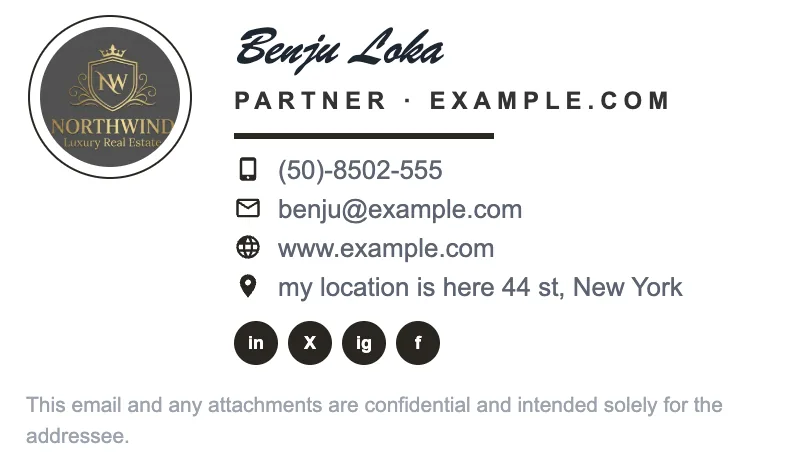
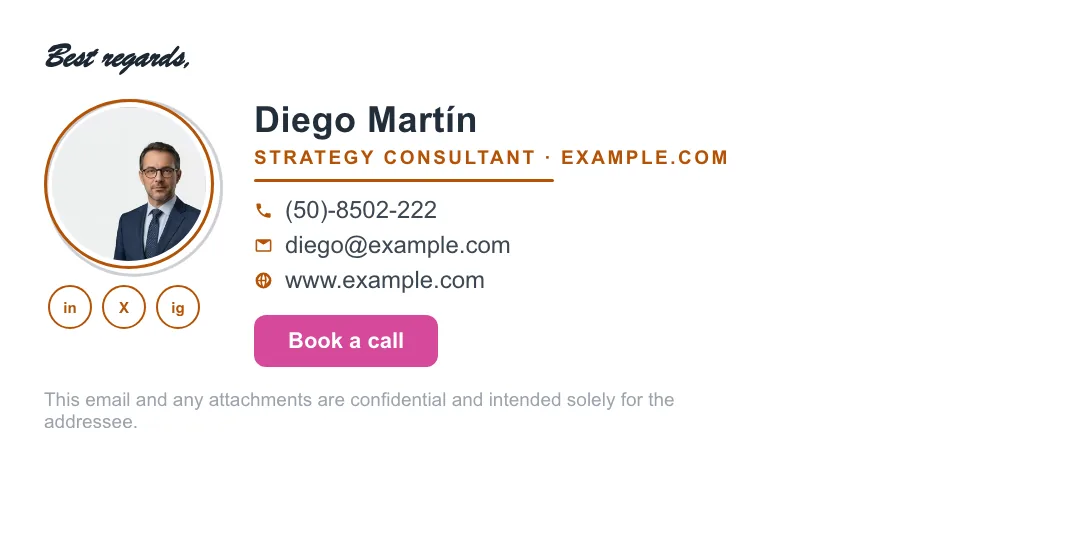
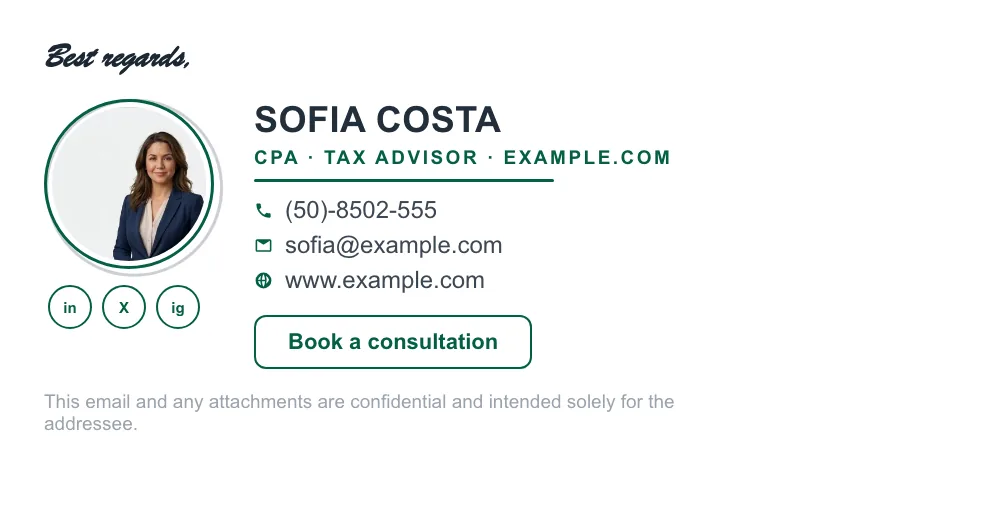
Sixteen signatures built with ProSignature — different professions, layouts, banners and call-to-action styles. Every one of these can be recreated in the editor and installed into Gmail in one click.









Is ProSignature free, and what does Pro cost?
Yes, ProSignature is free. The free plan is free to keep, with no credit card and no trial clock: design and preview all 13 templates, then install the Basic template. Free signatures carry one small clickable 'Created with ProSignature' line under the signature; Pro removes it. Pro costs $4/month billed yearly ($48/year) or $6/month billed monthly. Prices are in USD.
| Plan | Price (USD) | What it includes | Credit line |
|---|---|---|---|
| Free | $0 — no credit card, not a trial | Design and preview all 13 templates; install the Basic template; automatic brand import from your website; free Chrome extension for Gmail; copy-paste HTML for Outlook, Microsoft 365 and Apple Mail | Yes — one small clickable 'Created with ProSignature' line under the signature |
| Pro | $4/month billed yearly ($48/year) or $6/month billed monthly | All 13 templates, call-to-action button, promo banners, finer design controls | Removed |
| Teams | $5/month + $1 per user billed yearly ($6 + $1.25 per user monthly); 5 users = $10/month ($120/year); no seat minimum; 14-day free trial | One locked design deployed to every employee, each person's own details filled in; no Google Workspace or Microsoft 365 admin access needed | Removed on a paid Team plan (the trial carries it) |
Prices read from the app's pricing constants on 10 October 2026; free-plan credit-line policy as of 27 September 2026. Gmail install: the free Chrome extension inserts the signature into every compose with no Google permission, or connect your Google account and it is written into Gmail's own settings (scope gmail.settings.basic, which cannot read, send or delete mail). Outlook, Microsoft 365 and Apple Mail get copy-paste HTML.
Signature styles for every role
Classic corporate
Logo, name, title and neatly stacked details — the safe, professional default for any business.
Photo-forward
A headshot in a colored ring or frame — ideal for sales, real estate, coaching and client-facing roles.
Minimal
Name, title and one link. Clean and modern for consultants and creatives.
Bold brand band
A colored side panel or band that puts your brand color front and center.
Social-first
Prominent, matched social icons for creators and marketers.
CTA-driven
A signature built around one clear button — Book a call, Get a quote, See our work.
What every good template has in common
Each ProSignature template is built to the same standard: email-safe HTML, mobile-responsive layout, consistent spacing and clean typography. You choose the look; the reliability comes standard.
Make a template your own
The anatomy of a signature that works
Every example in the gallery above is a variation on the same six decisions. Once you can see them, you can judge any signature — including your current one — in about ten seconds.
Line 1 — name and what you actually do
The most-read line and the most-wasted. “Founder” tells a stranger nothing; “Bookkeeper for restaurants” tells them whether to keep reading. Specific beats senior.
Line 2 — company, or the logo doing that job
If the brand is known, the logo carries it and you save a line. If you are the brand, drop the company line entirely and give the space to your role.
Line 3 — one phone, one website
The two things people actually click. A second mobile, a fax and a postal address are the classic signature bloat — each extra line makes the useful ones harder to find.
The image — photo or logo, never both fighting
Headshot when people hire you; logo when they hire the company. Size it properly (see the image size guide) and host it — never paste it in, or it arrives as an attachment.
The call-to-action — exactly one
A booking link, a quote request, a portfolio. Two CTAs convert worse than one; three read as a menu nobody orders from. Proven wording is in the CTA examples.
The optional banner layer
A promotion, an event, a hiring push — the part you swap monthly while the signature underneath stays put. Build them free in the AI Banner Maker.
Six mistakes that show up in most real signatures
These are the patterns that make an otherwise good signature look amateur or arrive broken. Every one of them is visible in the wild daily.
Making the whole signature one image
Nothing is clickable, image-blocking hides it completely, and it looks blurry on high-DPI screens. The full argument is in our Canva comparison.
Inspirational quotes and “save the planet” lines
They add height to every email you send and change nobody's behaviour. Legally-required disclaimers are different — see legal requirements.
Six social icons, four of them dormant
Link the one or two profiles you actually maintain. A dead Twitter icon is a broken promise on every email.
Web fonts that silently fall back
Email clients mostly ignore them, so your careful typography becomes Times New Roman on arrival. Use the email-safe stacks in best fonts.
Pasting from a design tool and never testing
The clipboard drops inline styles and Gmail re-wraps the layout. Always send yourself one test email — and if images vanish, this fixes it.
Everyone on the team improvising their own
Five people, five fonts, five logo sizes — the fastest way to look smaller than you are. One locked design solves it: team deployment.
How do I copy one of these examples?
Four steps, about two minutes:
- Enter your work email at the free generator — your logo, brand colors and social links are imported from your website automatically.
- Pick the template closest to the example you liked; it previews with your brand rather than grey placeholders.
- Adjust the details — role line, photo or logo size, one call-to-action, an optional banner.
- Click Connect Gmail & install — written straight into Gmail's settings. On the free plan the Basic template installs free and carries one small clickable 'Created with ProSignature' line; Pro templates (the photo, banner and CTA layouts shown here) install without it. Outlook and Apple Mail get clean copy-paste HTML.
Running a team? See small business examples and team deployment.
Written and maintained by the ProSignature team. Competitor pricing and feature claims on this site are verified against each vendor's live page on the day of writing — last verified 26 July 2026. No affiliate links. How we work.
Examples by profession
What belongs in a signature changes by trade — a therapist's licence line, an agent's brokerage and licence number, a contractor's service area, a financial advisor's compliance-approved disclosure. Each guide below carries the fields that profession actually needs, with examples.
Where to go from an example
Picked a layout? What makes a signature read as professional covers the six decisions behind every example here — it is mostly subtraction. The 13 templates shows the same designs with your own brand applied. And when you are ready to install it, the Gmail guide explains why one-click install beats copy-paste, with the manual walkthrough if you would rather do it by hand.
See ProSignature in action
From blank page to a signature installed in Gmail — in under a minute.
Find a signature style that fits you
Pick a template and customize it in minutes.
Create my signature — freeFrequently asked questions
How many email signature templates are there?
ProSignature includes 13 professionally designed templates, from classic corporate layouts to photo-forward and call-to-action-driven styles.
Can I customize the templates?
Fully. Every template lets you change colors, fonts, social-icon style, images and content, so two people using the same template can look completely different.
Which template should I choose?
For client-facing and sales roles, a photo-forward or CTA-driven template works well. For corporate use, a classic layout with just a logo is the safe choice.
What is the best email signature example to copy?
The one closest to how you actually sell: photo-led if clients hire you personally, logo-led if they hire the company, minimal if you live in reply threads. Then strip it to name, role, one phone, one website, two socials and a single call-to-action.
Are these email signature examples free?
Every layout is free to preview and customise with your own brand. The Basic template installs free and carries one small clickable 'Created with ProSignature' line; the photo-forward, banner and CTA layouts shown here are Pro templates, which install without the credit line.
How many links should an email signature have?
One website, one call-to-action and at most two social profiles. Past that, click-through on the links that matter drops because the block reads as a menu.
Do these signatures work in Outlook and on mobile?
Yes. They are inline-styled, table-based, email-safe HTML with sized hosted images, so they render the same in Gmail, Outlook, Apple Mail and on phones.
How much does ProSignature Pro cost?
Pro costs $4/month billed yearly ($48/year) or $6/month billed monthly. Prices are in USD. Pro unlocks all 13 templates, the call-to-action button, promo banners and finer design controls, and removes the free plan's credit line. Teams is $5/month plus $1 per user per month billed yearly ($6/month plus $1.25 per user billed monthly); no seat minimum, 14-day free trial. 5 users cost $10/month billed yearly ($120/year); 10 users cost $15/month. Prices read from the app on 10 October 2026.