Home › Small business examples
Small business email signature examples that actually work
Ten real signatures — not mockups — built for owner-operators and small teams, each with the reason it works and who should copy it. Build yours free and install it into Gmail in one click.
Last updated
10 small business email signature examples
Every signature below is a real render from the ProSignature editor — not a mockup — so what you see is what actually arrives in a recipient's inbox. Under each one is the reason it works and who should copy it.
Logo-led, for when the business is the brand

The credential-forward signature
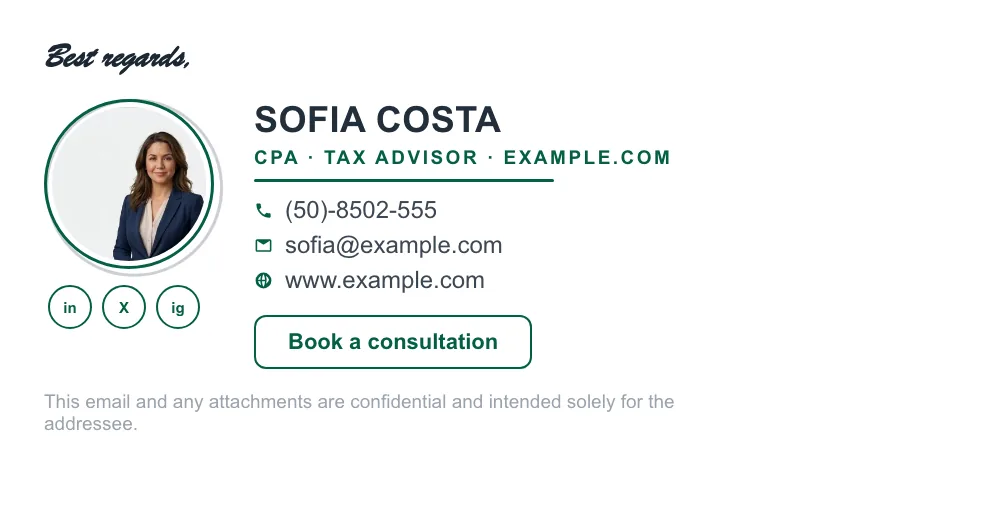
One CTA, doing all the work

Brokerage brand plus personal name
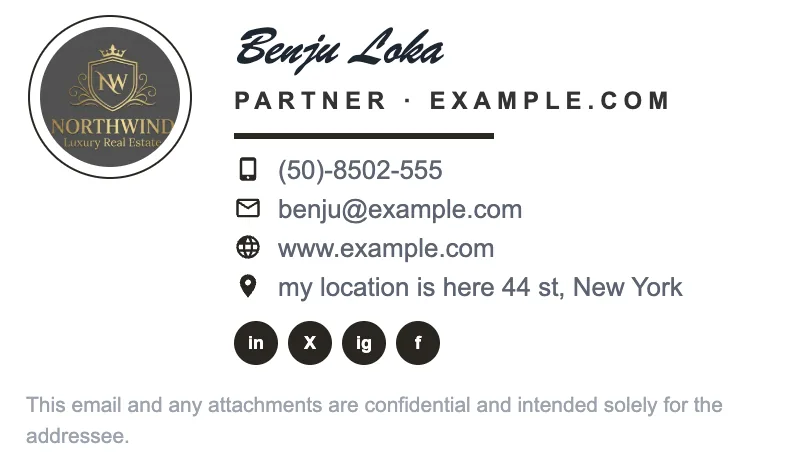
Turning every email into a hiring ad

Minimal, when your inbox is reply-heavy

Service business with a seasonal promotion

When the law requires extra lines

Owner-operator, deliberately understated

Portfolio-first for creative businesses

What every small business signature needs
Across all ten examples the same skeleton repeats, because it is what recipients actually use: name, a specific role or trade (“Bookkeeper for restaurants” beats “Founder”), business name or logo, one phone, one website, at most two social links, and exactly one call-to-action. Everything else — quotes, second mobile numbers, five grey icons, a scanned handwritten name — costs attention without earning anything. Regulated trades add a licence number, and only that. Run the best-practices checklist before you ship.
Why these render correctly and most templates don't
A signature that looks perfect in a design tool routinely arrives broken, because Gmail strips <style> blocks and Outlook renders through Word's engine. Every example here is inline-styled, table-based, email-safe HTML with hosted and correctly-sized images — which is also why each one stays clickable rather than being one flat picture. That difference is the whole argument in our Canva comparison, and the sizing rules are in the image size guide.
From example to installed signature
- Enter your work email at the free generator — logo, brand colors and social links import from your website automatically.
- Pick the template closest to the example you liked — it previews with your brand, not placeholders.
- Add your role line, one CTA, and a banner if you are running a promotion.
- Click Connect Gmail & install. Free on the Basic template, which carries one small 'Created with ProSignature' line (Pro removes it). Outlook and Apple Mail get clean copy-paste HTML.
Hiring? Give each new hire a personal install link to one locked design with team deployment, and the tool comparison for SMBs is in best for small business.
Written and maintained by the ProSignature team. Competitor pricing and feature claims on this site are verified against each vendor's live page on the day of writing. Competitor prices on the roundup and pricing pages were verified 18 October 2026; older comparison pages carry their own dates. No affiliate links. How we work.
Copy any of these in about two minutes
Enter your work email and your logo, colors and links are imported automatically — then pick the layout closest to the example you liked.
Create my signature — freeWorks with Gmail and Google Workspace (one super-admin approval installs it in every mailbox), Outlook and Microsoft 365 (copy-paste), Apple Mail.
Frequently asked questions
What should a small business email signature look like?
Name, a specific role or trade, business name or logo, one phone, one website, at most two social links and a single call-to-action such as a booking link. Keep it under about six lines — every extra line dilutes the ones people use.
Are these email signature examples free to use?
The layouts are free to recreate: build any of them in ProSignature's free plan, with your own brand, and install into Gmail in one click. The free plan adds one small 'Created with ProSignature' line under the signature; Pro removes it.
Should a small business signature include a photo or a logo?
If customers hire you personally, use a headshot. If they know the company name first, lead with the logo. Businesses with both — agents, franchisees, resellers — can run a dual-brand layout like the real-estate example above.
How do I add one of these signatures to Gmail?
Build it in the generator and click Connect Gmail & install — it is written straight into Gmail's settings through Google's API, so nothing gets mangled by copy-paste. Manual steps are in our add-a-signature-in-Gmail guide.
What is the best email signature for a small business owner?
The one your customers can act on: a clean branded block with a single call-to-action, rendering identically in Gmail, Outlook and on mobile. Which tool to build it with is compared honestly on our best-for-small-business page.