Home › Accountants
Email signatures for accountants & CPAs
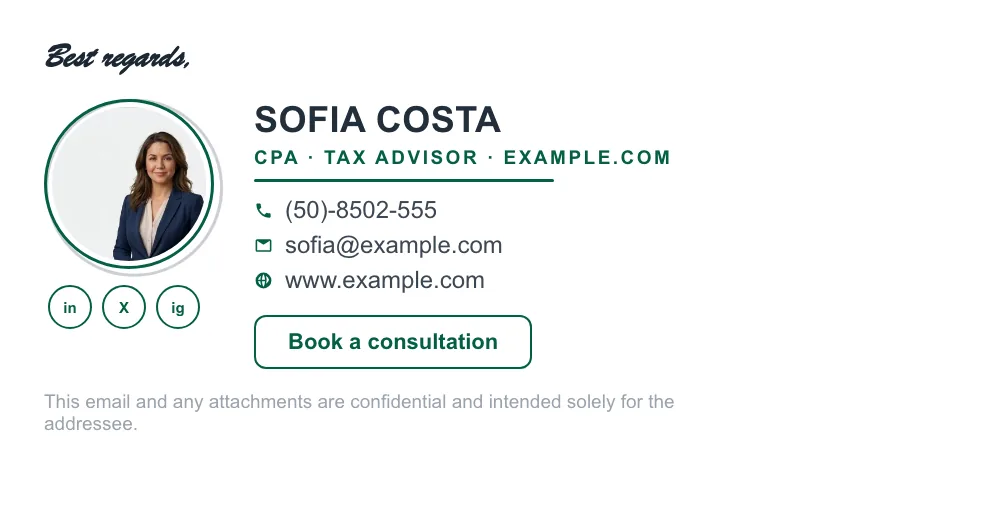
Clients hand you their most sensitive numbers. A precise, credentialed signature — CPA title, firm, direct line — signals the exactness they're paying for.
Last updated
Why your email signature matters for accountants
Accounting is a trust business conducted almost entirely over email. A signature with your CPA/EA credentials, firm branding and a clear way to book time makes every thread look like it came from an established practice — and during tax season, a booking link in the signature quietly fills your calendar.
What to put in an accountant email signature
CPA / EA credentials
Your license says “regulated professional” — put it right after your name.
Firm logo & brand colors
Pulled automatically from your website by ProSignature.
Booking link CTA
“Book a consultation” — busiest during tax season, useful all year.
Confidentiality disclaimer
A discreet legal line under the signature, built in.
Build yours in minutes
- Open the generator and enter your work email — your logo, colors and social links are imported from your website automatically.
- Pick a template and fill in your name, title and the details that matter for your role.
- Add a call-to-action button — the one action you most want recipients to take.
- Install it into Gmail in one click (copy-paste for Outlook and Apple Mail), or give every teammate a personal link.
What belongs in this signature, line by line
The fields below are the ones this profession is actually judged on — by clients, by referral sources and in some cases by a regulator.
Name + credential
CPA, CA, ACCA, EA — the letters decide whether a recipient believes you can sign off their return. Spell out the licensing state where it matters: “CPA (TX)”.
Firm name and, if relevant, PTIN
Paid tax preparers in the US are issued a PTIN; many firms surface it in correspondence with clients and the IRS.
Specialty, not just “Accountant”
“Tax & advisory for e-commerce” or “Audit — nonprofits”. Referrals are made on specialty.
Direct line plus response-time expectation
During filing season a line like “Replies within 2 business days through April 15” prevents a great deal of chasing.
Secure-upload link, never an attachment invitation
Clients will email you tax documents unless you give them somewhere better. A portal link in the signature is the cheapest way to redirect that.
Booking link for consultations
Especially valuable outside busy season, when capacity is the constraint in reverse.
Disclaimers, and the one accountants actually need
Accounting signatures tend to inherit two disclaimer habits. The first is the generic confidentiality notice, which is reasonable and should stay short. The second is a legacy of IRS Circular 230: for years US tax practitioners appended a long notice stating that advice in the email could not be used to avoid tax penalties. The rules changed in 2014 and the blanket notice is no longer expected — many firms have dropped it, and keeping a stale one signals a practice that has not reviewed its templates in a decade. What remains genuinely useful is a plain line clarifying that general email correspondence is not formal advice and that engagement terms govern. Requirements vary by jurisdiction and professional body, so confirm with yours; the general framework is in legal requirements and you can assemble wording with the disclaimer generator.
A signature that changes with the season
Accounting is one of the few professions with a genuinely seasonal signature. Through filing season the block's job is deflection and expectation-setting: response times, the secure-upload link, deadline reminders. Outside it, the job flips to business development: a consultation booking link, an advisory-services banner, a link to your year-end planning guide. Practices that swap a banner four times a year get most of the benefit for almost no effort — and if you have staff, one change reaches every extension install on its next sync (pasted copies are pasted again) rather than asking twelve people to edit Gmail. See team deployment and build banners free with the AI Banner Maker.
Mistakes that show up most in this field
Keeping a Circular 230 notice that expired in 2014
It dates the practice. Review the disclaimer block once a year.
No secure channel offered
If the signature does not offer a portal, clients will attach W-2s and bank statements to plain email.
“Accountant” with no specialty
You are competing with every other accountant in the recipient's inbox.
Disclaimer longer than the advice
Small type, muted colour, below a divider — the same discipline as legal.
Three layouts that work for this profession
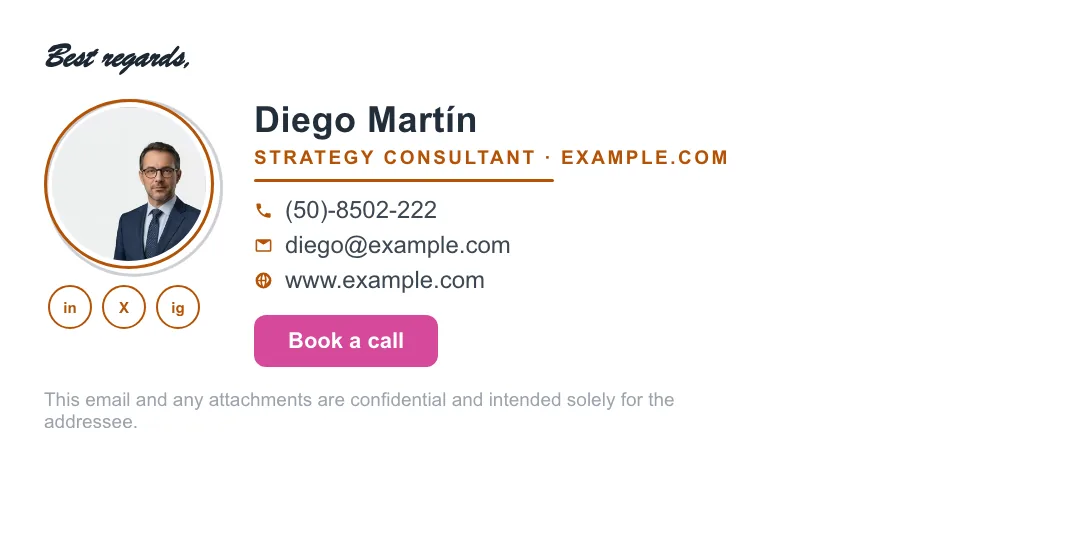
Real renders, not mockups — this is the output that reaches an inbox. Under each is why that layout suits this kind of work.

Written and maintained by the ProSignature team. Competitor pricing and feature claims on this site are verified against each vendor's live page on the day of writing. Competitor prices on the roundup and pricing pages were verified 18 October 2026; older comparison pages carry their own dates. No affiliate links. How we work.
Look as precise as your books
Design it in minutes and install it in one click.
Create my signature — freeWorks with Gmail and Google Workspace (one super-admin approval installs it in every mailbox), Outlook and Microsoft 365 (copy-paste), Apple Mail.
Frequently asked questions
Should I add my CPA license number?
Add the credential (CPA, EA) after your name; the license number itself is usually needed only where your state board requires it in correspondence.
Can my whole firm use one design?
Yes — ProSignature Teams locks the branding and gives every accountant a personal install link for the same signature, with each person's own details.
Can I add a secure-portal link?
Yes — add a custom field or CTA button linking to your client portal so documents stop arriving as email attachments.
What should an accountant's email signature include?
Name with credential (CPA, CA, ACCA, EA) and licensing state, firm name, a specialty rather than a generic title, direct contact details, a secure-upload link, and a short confidentiality line. Add response-time expectations during filing season.
Do accountants still need a Circular 230 disclaimer?
Generally no — the rules changed in 2014 and the blanket notice is no longer expected, so many US firms have dropped it. A short line clarifying that email is not formal advice is more useful. Confirm with your own professional body.
What is a good call-to-action for an accounting firm?
It should change by season: a secure-upload or response-time note during filing season, and a consultation booking link the rest of the year.