Home › Physical therapists
Email signatures for physical therapists
Your signature is read by patients mid-recovery, by the physicians who refer them, and sometimes by an insurer. Credentials, specialty and a clear referral route do most of that work.
Last updated
Why your email signature matters for physical therapists
Physical therapy has a signature problem that most clinicians only notice once: the same block is read by three audiences with different needs. A patient mid-plan-of-care wants scheduling and a way to ask an administrative question. A referring physician is scanning for your credentials, your specialty certification and a direct professional route that does not go through the front desk — referral relationships are the backbone of most PT caseloads, and a signature that makes you easy to refer to is doing real business development. An insurer or case manager needs you and the practice unambiguously identified.
Credentials carry more weight here than in most fields because they are genuinely differentiating and clinicians read them precisely. DPT for the doctorate, PT for the licensed title, plus board specialties — OCS (orthopaedics), SCS (sports), NCS (neurology), GCS (geriatrics) — and certifications such as CSCS or a manual-therapy fellowship. State the licence and the state it is held in; licensure is state-bound and telehealth across state lines is a live compliance question in this profession. Requirements vary by state board and by any organisation you practise within, so confirm yours rather than copying another clinician's block. General framing: legal requirements. Adjacent guides: healthcare, chiropractors and massage therapists.
What to put in a physical therapist email signature
Name + DPT/PT and licence state
“Dana Okafor, PT, DPT — Licensed in NY”. Licensure is state-bound and referrers check it.
Board specialty and certifications
OCS, SCS, NCS, GCS, CSCS, fellowship training. Two or three that you actually practise — this is the line referring physicians read first.
Practice name, location and parking or access notes
Patients arriving with a mobility limitation genuinely need this, and it reduces first-visit friction more than any other detail.
A referral route, separate from the patient line
How a physician sends a referral or records. Making this obvious is the cheapest caseload growth available to a PT practice.
Scheduling link
Plans of care mean repeat visits; a booking link removes friction from every one of them, not just the first.
A confidentiality note
Patient correspondence can contain confidential patient information and email is not a secure channel — with urgent concerns routed to the phone.
Telehealth states, if you practise across lines
A live compliance question in this field; saying it prevents a wasted enquiry.
No treatment or outcome claims
And nothing patient-identifying in an auto-appended block — no case details, no appointment references.
Build yours in minutes
- Open the generator and enter your work email — your logo, colors and social links are imported from your website automatically.
- Pick a template and fill in your name, title and the details that matter for your role.
- Add a call-to-action button — the one action you most want recipients to take.
- Install it into Gmail in one click (copy-paste for Outlook and Apple Mail), or give every teammate a personal link.
Three layouts that work for this profession
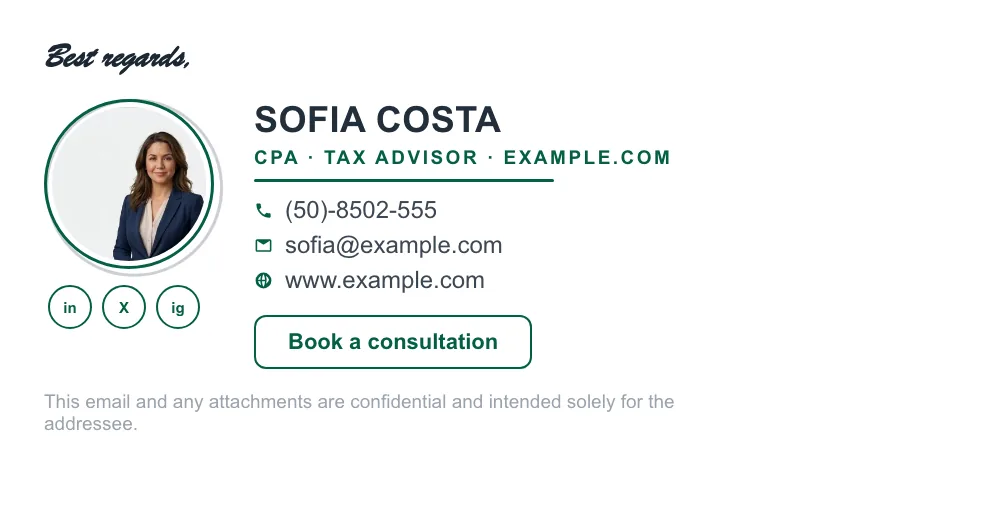
Real renders, not mockups — this is the output that reaches an inbox. Under each is why that layout suits this kind of work.


Written and maintained by the ProSignature team. Competitor pricing and feature claims on this site are verified against each vendor's live page on the day of writing. Competitor prices on the roundup and pricing pages were verified 18 October 2026; older comparison pages carry their own dates. No affiliate links. How we work.
Build a PT practice signature in minutes
Design it in minutes and install it in one click.
Create my signature — freeWorks with Gmail and Google Workspace (one super-admin approval installs it in every mailbox), Outlook and Microsoft 365 (copy-paste), Apple Mail.
Frequently asked questions
What should a physical therapist's email signature include?
Name with PT and DPT credentials and the state you are licensed in, board specialty certifications such as OCS or SCS, practice name and location, a scheduling link, a separate referral route for physicians, and a short confidentiality note routing urgent concerns to the phone.
Should a PT signature list board certifications?
Yes — OCS, SCS, NCS, GCS and fellowship credentials are genuinely differentiating and are the line referring physicians read first. Two or three that you actually practise; a long list dilutes them.
Why include a separate referral contact?
Because referral relationships drive most PT caseloads. Making it obvious how a physician sends a referral or records — without going through the patient front desk — is among the cheapest business development available to a practice.
Do physical therapists need a confidentiality notice in email?
Patient correspondence can contain confidential patient information and standard email is not secure, so a short notice routing urgent clinical concerns to the phone is common practice. Confirm the specifics with your compliance policy.