Home › Tutors
Email signatures for tutors
Most tutoring enquiries come from parents comparing several people at once. Subjects, levels, checks and availability answer their whole shortlist question in one block.
Last updated
Why your email signature matters for tutors
A tutoring enquiry almost always comes from a parent emailing three or four tutors the same evening, and the reply that wins is the one that answers their checklist without a follow-up exchange. That checklist is remarkably consistent: do you teach my child's subject at their level, are you qualified, are you safe, are you available, and where. A signature that carries subjects and levels, a qualification, background-check status, availability and whether you teach online or in person answers all five before the parent has to ask — which frequently decides it.
Background checks deserve care. Naming the check you hold (a DBS certificate in the UK, or the equivalent screening where you work) is standard practice and reassuring, but never publish the certificate number itself in a signature. Confirm what your jurisdiction and any agency you work through expect. If you tutor through a school or institution, their policy governs — see the teacher guide and schools.
What to put in a tutor email signature
Name + subjects and levels
“GCSE & A-Level Maths” or “Elementary reading”. The first thing a parent filters on.
Qualification
Degree, teaching qualification or subject expertise — one line, specific.
Background-check status
Name the check you hold. Never publish the certificate number itself.
Online, in person, or both — and where
A hard filter that saves everyone a wasted exchange.
Current availability
“Taking new students from September” creates urgency that is true.
A booking or enquiry link
Parents often email late at night; a booking link converts that moment.
Results or experience, if substantiable
One credible line. Avoid guarantees about grades.
No student-identifying detail, ever
Nothing in an auto-appended block should reference a specific child.
Build yours in minutes
- Open the generator and enter your work email — your logo, colors and social links are imported from your website automatically.
- Pick a template and fill in your name, title and the details that matter for your role.
- Add a call-to-action button — the one action you most want recipients to take.
- Install it into Gmail in one click (copy-paste for Outlook and Apple Mail), or give every teammate a personal link.
Three layouts that work for this profession
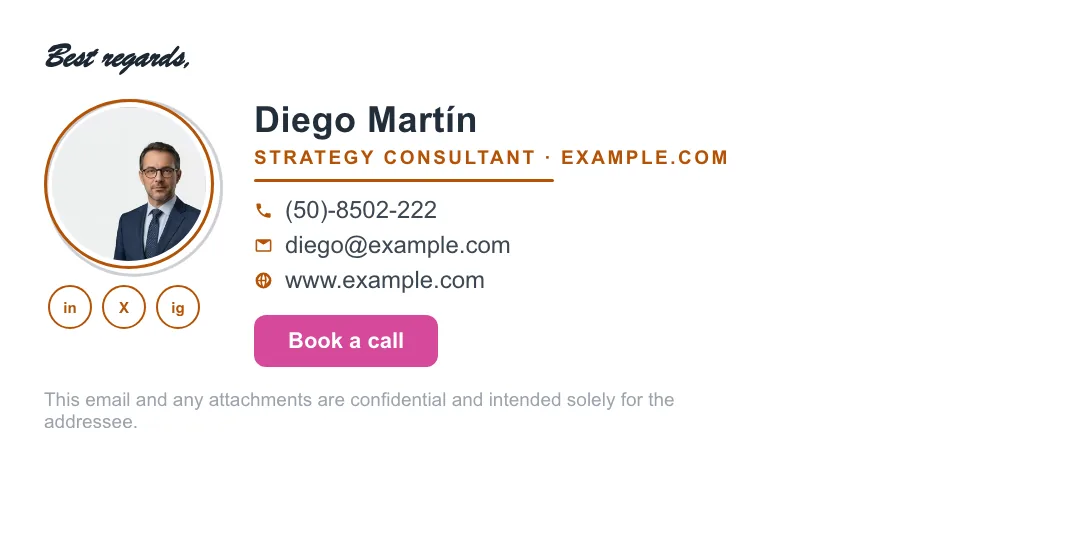
Real renders, not mockups — this is the output that reaches an inbox. Under each is why that layout suits this kind of work.


Written and maintained by the ProSignature team. Competitor pricing and feature claims on this site are verified against each vendor's live page on the day of writing. Competitor prices on the roundup and pricing pages were verified 18 October 2026; older comparison pages carry their own dates. No affiliate links. How we work.
Build a tutor's signature in minutes
Design it in minutes and install it in one click.
Create my signature — freeWorks with Gmail and Google Workspace (one super-admin approval installs it in every mailbox), Outlook and Microsoft 365 (copy-paste), Apple Mail.
Frequently asked questions
What should a tutor's email signature include?
Name, subjects and levels taught, a qualification, background-check status (named, not numbered), whether you teach online or in person and where, current availability, and a booking or enquiry link.
Should a tutor mention a DBS or background check in their signature?
Naming the check you hold is standard practice and reassures parents. Never publish the certificate number. Confirm what your jurisdiction or agency expects.
What makes a tutoring enquiry convert?
Answering the parent's whole checklist in the first reply — subject, level, qualification, safety, availability and location — so no follow-up exchange is needed before booking.