Home › Notaries
Email signatures for notaries and mobile notaries
Your commission is your credential. Put it, your service area, and a booking link into a clean signature that signers and signing services trust on sight.
Last updated
Why your email signature matters for notaries
A signer who has never met you decides in seconds whether the person emailing about their loan documents is a real commissioned notary or a scam. Your signature settles it: commission number, commissioning state, and expiration date sit right under your name, doing the vetting before anyone asks. Signing services, title companies, and escrow officers scan for exactly those details when they assign work, and a booking link turns "are you available Thursday" threads into confirmed appointments. Mobile notaries should spell out their service counties too, so schedulers stop guessing your radius. Because you handle mortgage packets and healthcare directives, a short confidentiality line signals you take privilege seriously. See how other credentialed pros lay this out in our email signature examples, then follow the best practices guide to keep it clean.
What to put in a notarie email signature
Commission number and state
List your commission number, commissioning state, and expiration date so signers and signing services can verify you at a glance.
Service area for mobile work
Name the counties or metro you cover so schedulers know instantly whether you can reach the signing table.
Appointment or booking link
A direct scheduling link turns back-and-forth availability emails into confirmed appointments, especially for last-minute loan signings.
Confidentiality note
A brief disclaimer under your details reassures clients that the documents and personal information you handle stay private.
Build yours in minutes
- Open the generator and enter your work email — your logo, colors and social links are imported from your website automatically.
- Pick a template and fill in your name, title and the details that matter for your role.
- Add a call-to-action button — the one action you most want recipients to take.
- Install it into Gmail in one click (copy-paste for Outlook and Apple Mail), or give every teammate a personal link.
Three layouts that work for this profession
Real renders, not mockups — this is the output that reaches an inbox. Under each is why that layout suits this kind of work.
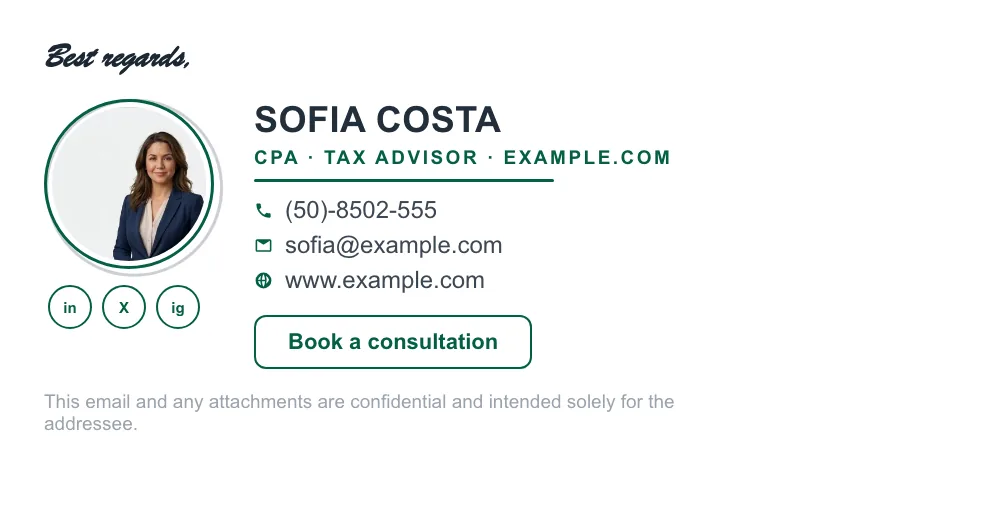

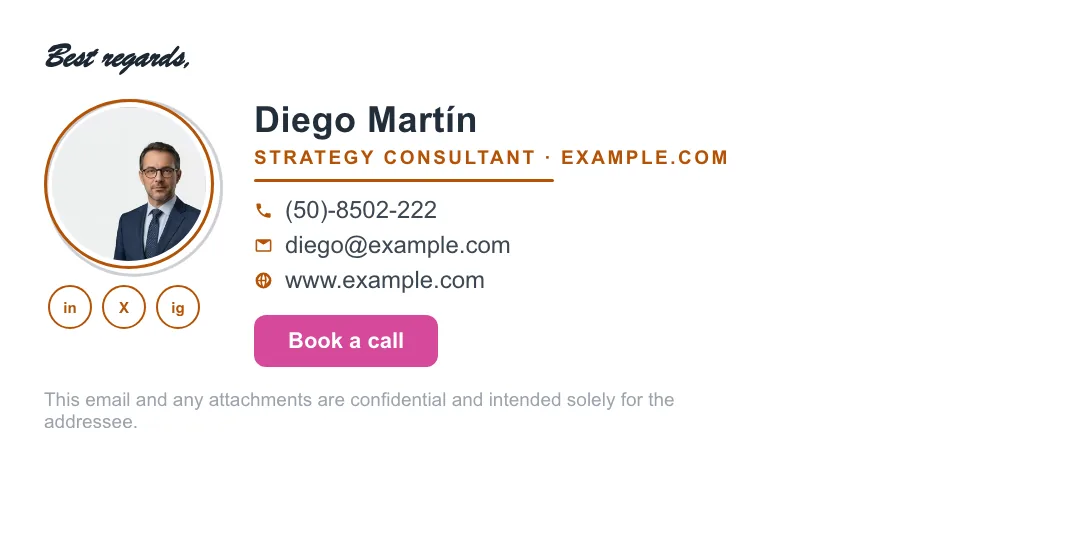
Written and maintained by the ProSignature team. Competitor pricing and feature claims on this site are verified against each vendor's live page on the day of writing. Competitor prices on the roundup and pricing pages were verified 18 October 2026; older comparison pages carry their own dates. No affiliate links. How we work.
Look official in every inbox
Design it in minutes and install it in one click.
Create my signature — freeWorks with Gmail and Google Workspace (one super-admin approval installs it in every mailbox), Outlook and Microsoft 365 (copy-paste), Apple Mail.
Frequently asked questions
Should I put my commission number in my email signature?
Yes. Title companies, signing services, and wary signers use it to confirm you are actively commissioned, so listing it with your state and expiration date saves a verification email.
What should a mobile notary's signature include that an office notary's doesn't?
Your service area and travel radius, plus a booking link, since most mobile work is assigned by schedulers who need to know where you go and when you are free.
Can I add a confidentiality disclaimer to my notary signature?
Yes, and it is worth doing since you handle loan packets, wills, and medical documents. Our free email disclaimer generator writes one you can drop under your signature.