Home › Bookkeepers
Email signatures for bookkeepers
Bookkeeping is won on trust and specificity — which software you run, which industries you know, and how safely a client can send you their records.
Last updated
Why your email signature matters for bookkeepers
Bookkeepers compete in a market where prospective clients often cannot tell one provider from another, so the signature's job is specificity. Two details do most of the differentiating. The first is software: “QuickBooks & Xero certified” is searched for by name and is frequently the deciding factor, because a business already running Xero wants someone who will not migrate them. The second is industry: “Bookkeeping for restaurants” or “for construction” signals you already understand their chart of accounts, their VAT quirks and their seasonality.
The other high-value element is a secure document link. Clients will email bank statements, payroll data and invoices as plain attachments unless you give them somewhere better — a portal link in the signature is the cheapest way to redirect that behaviour permanently. If you also hold an accounting credential or operate under a professional body, note that some bodies have rules about how membership may be described; confirm yours. The adjacent guide for qualified accountants is here.
What to put in a bookkeeper email signature
Name + certification
Bookkeeping certifications and any professional-body membership. Describe membership exactly as your body permits.
Software you are certified in
QuickBooks, Xero, Sage, FreeAgent. Often the single deciding detail.
Industry specialism
“For restaurants”, “for trades”, “for e-commerce” — it implies you already know their books.
A secure upload or portal link
Otherwise clients will email bank statements as attachments.
Response expectations at period end
Month-end and year-end are your crunch; saying so pre-empts chasing.
Booking link for consultations
New bookkeeping relationships start with a conversation about scope.
Business name and any registration
Sole traders in some jurisdictions must show registration details in business correspondence — see legal requirements.
A short 'not formal advice' line
Useful if clients treat casual email replies as advice.
Build yours in minutes
- Open the generator and enter your work email — your logo, colors and social links are imported from your website automatically.
- Pick a template and fill in your name, title and the details that matter for your role.
- Add a call-to-action button — the one action you most want recipients to take.
- Install it into Gmail in one click (copy-paste for Outlook and Apple Mail), or give every teammate a personal link.
Three layouts that work for this profession
Real renders, not mockups — this is the output that reaches an inbox. Under each is why that layout suits this kind of work.
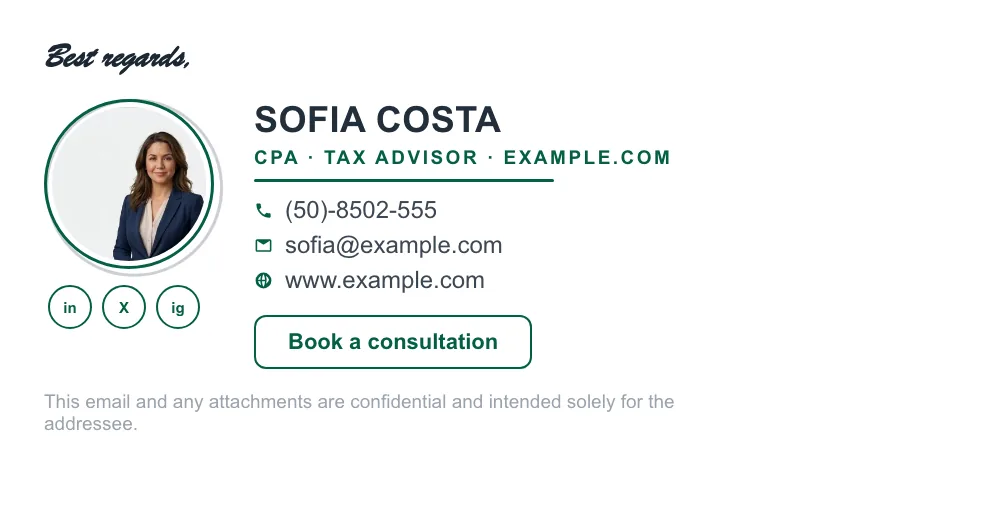
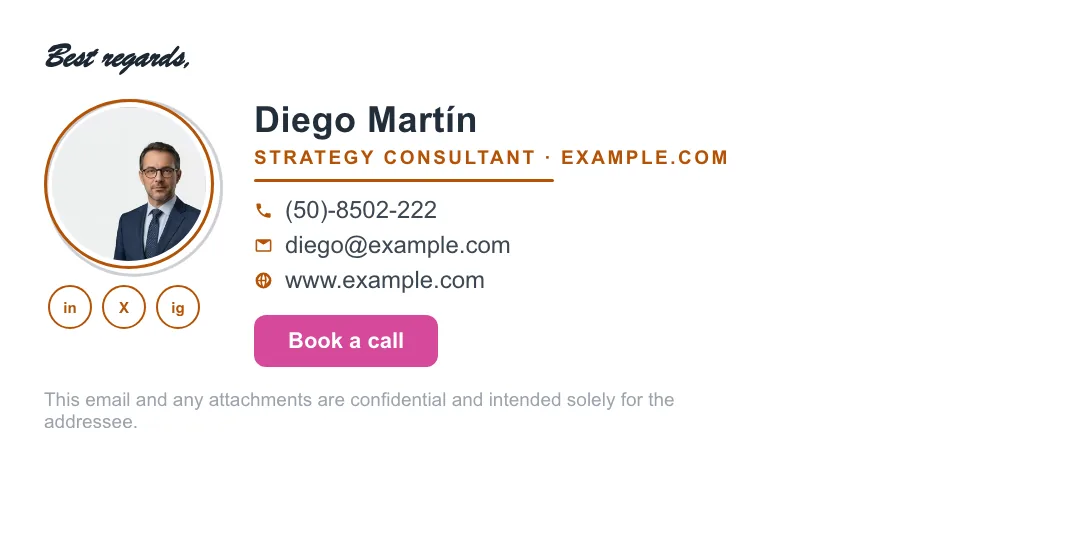

Written and maintained by the ProSignature team. Competitor pricing and feature claims on this site are verified against each vendor's live page on the day of writing. Competitor prices on the roundup and pricing pages were verified 18 October 2026; older comparison pages carry their own dates. No affiliate links. How we work.
Build a bookkeeper's signature in minutes
Design it in minutes and install it in one click.
Create my signature — freeWorks with Gmail and Google Workspace (one super-admin approval installs it in every mailbox), Outlook and Microsoft 365 (copy-paste), Apple Mail.
Frequently asked questions
What should a bookkeeper's email signature include?
Name and certification, the accounting software you are certified in, an industry specialism, a secure document-upload link, a booking link, your business name and any required registration details.
Why list accounting software in a bookkeeper's signature?
Because businesses search for and hire by software — a company on Xero wants a Xero bookkeeper. It is frequently the deciding detail and costs one line.
How do bookkeepers stop clients emailing sensitive documents?
Put a secure upload or portal link in the signature. Without an obvious alternative, clients attach bank statements and payroll files to ordinary email.